
Multiple galleries on same page
This feature allows you to create multiple galleries on the same page without causing any conflict. You can use these galleries separately for photos, videos, audio, PDFs, and other types of files.
All you need is to add the shortcodes of your desired galleries. You can also create and add a gallery image upload form on the same page. As a result, participants and users won’t be confused about which gallery their files will be published in.
They can select it from the very same page. Let’s look at some key benefits of this feature.
Categorize Content Flawlessly
With separate galleries for different file types, content can be easily categorized and displayed according to user preferences. For instance, separate galleries can be created for weddings, festivals, nature, and sports photography.
Increase User Sessions
Multiple galleries for separate files on the same page can increase users’ sessions on your website. Because when a variety of interesting content comes up together, users naturally love to spend more time exploring them.
Mixed photo contest example
- single image opens full window blog view
- 1 vote per picture
- Opened image background bright







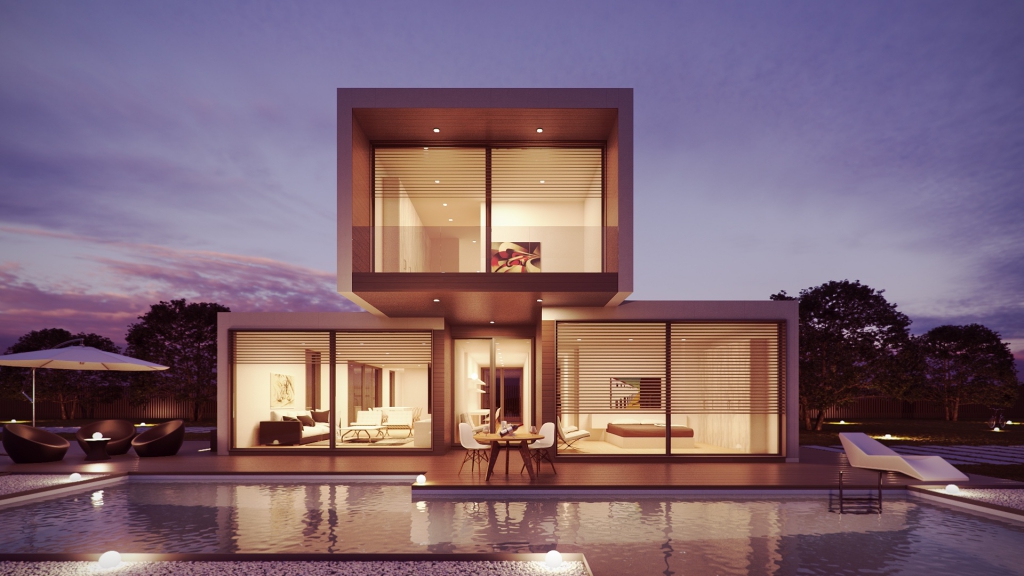
Architecture photo contest example
- 5 votes per user, one vote per picture
- Categories are checked on page load
- Opened image background dark
- simple numbers to titles, categories and descriptions are given to test the search functionality

Category1
nhgnhgn

Category2
test
Category1
222222222222222222222222222222222222222222222222222222222222222222222222222222222222
Category2
44444444444444444444444444444444444444444444444444444444444444444444444444444444444

Category3
666666666666666666666666666666666666666666666666666666666666666666666666666666666666666666666666666
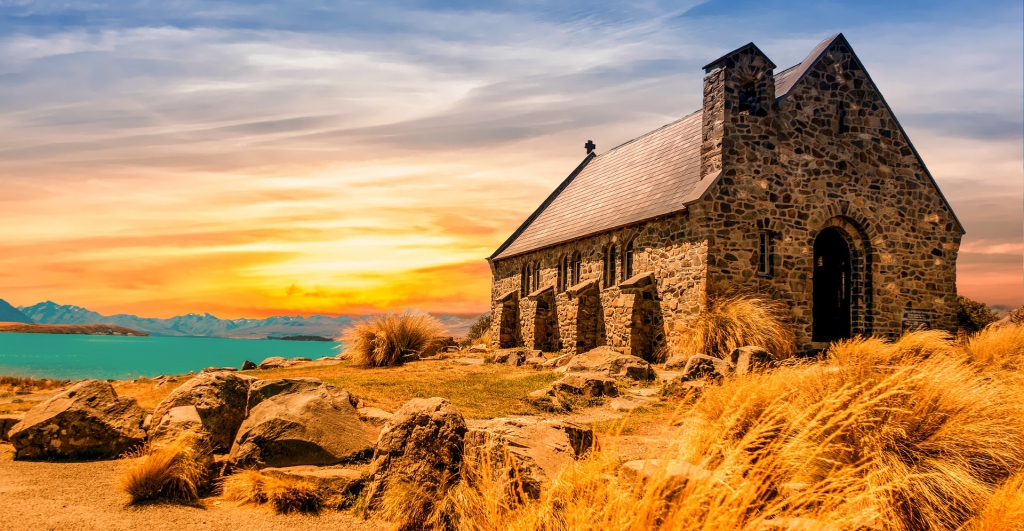
Other
2222222222222222222222222222222222222222222222222222222222222222222222222222222222222222222222222222222

Category1
88888888888888888888888888

Category2
11111111111111111111111111111111111111111111111111111111111111111111111
Landscape photo contest example
- 11 votes per user, 5 votes per minute
- Categories are checked on page load
- Opened image background dark
- simple numbers to titles, categories and descriptions are given to test the search functionality
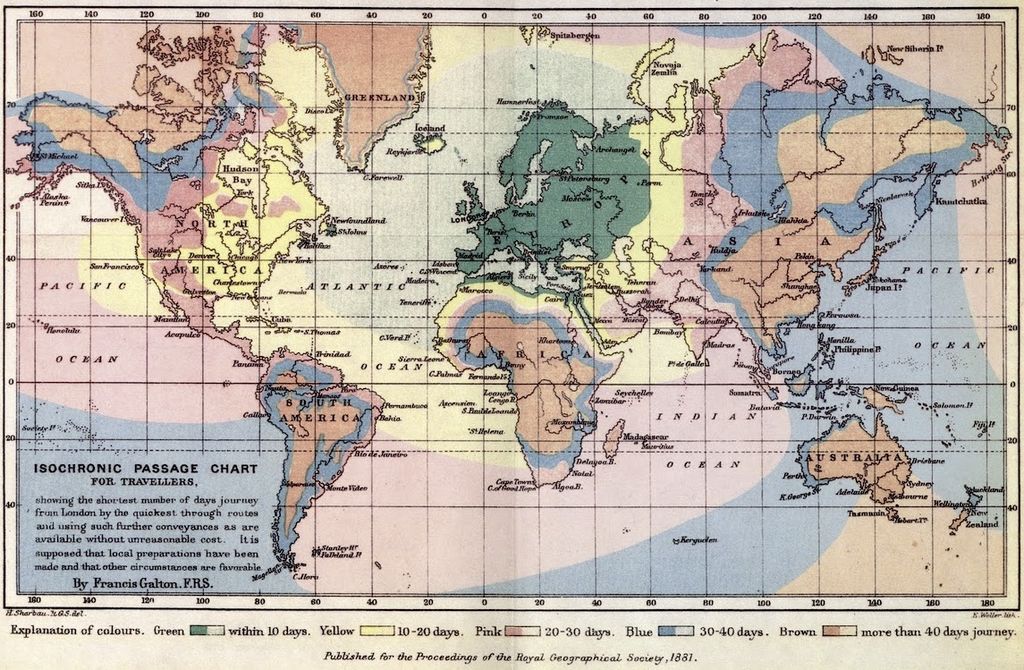
Category1
It is old
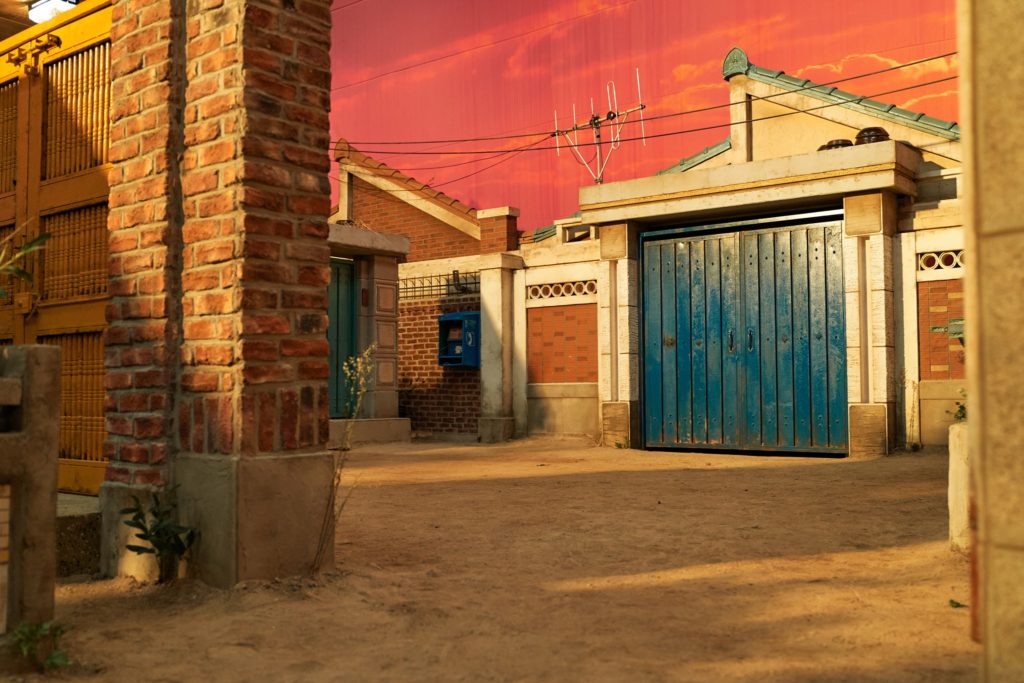
Category1
Test

Category1
In publishing and graphic design, Lorem ipsum is a placeholder text commonly used to demonstrate the visual form of a document or a typeface without relying on meaningful content. Lorem ipsum may be used as a placeholder before final copy is available.

Category1
www.google.com

Category1
111111111111111111111111111111111111111111111111111 111111111111111111111111111111111111111111111111111

Category2
222222222222222222222222 222222222222222222222222 222222222222222222222222 222222222222222222222222

Category3
333333333333333333333333333 333333333333333333333333333 333333333333333333333333333 333333333333333333333333333

Other
44444444444444444444 44444444444444444444 44444444444444444444 44444444444444444444

Category1
111111111111111111111111 111111111111111111111111 111111111111111111111111 111111111111111111111111
Improve Navigability
With multiple galleries on the same page, content can be categorized and organized in a structured way. It enables visitors to find out their desired content within the shortest possible time. It ultimately improves navigability on the website.
Remove Confusion While Uploading Files and Content
The gallery image upload form is a valuable addition to this feature. Because it helps users select the gallery where they want to upload and publish their content. It ensures a seamless user experience, reducing the chances of confusion and frustration.