
WordPress Voting & Rating Plugin
Voting and ratings
Let your visitors choose, rate and discuss.
Add voting to photos, videos and other gallery entries. Collect favorites, calculate average ratings or use cumulative stars for a points-based contest.
Configure voting rules and comments for your audience. Use ratings for feedback, run a public competition or connect participation with member accounts.
Contest Gallery supports one-star favorite voting, cumulative star scores and average star ratings. Choose the available star scale in the gallery settings and decide whether votes should contribute to a total score or an average rating.
With cumulative star voting, uploaded files can be ranked by the total number of stars they receive. Average rating is a separate mode. For example, if a photo receives three 5-star, two 4-star, four 3-star, five 2-star, and three 1-star ratings, its total score would be calculated as follows: (3×5)+(2×4)+(4×3)+(5×2)+(3×1) = 48.
The star-rating voting system offers several benefits. Let’s have a look into them below.
Easy to Use
The star-rating system is simple and intuitive. Most users already have experience with this system. So, it’s easy for them to rate uploaded files.
Provides Clear Feedback
The star-rating system provides clear and concise feedback to users. This allows them to see the overall popularity of a particular uploaded file.
Accurate Ranking
Rank entries using the selected voting mode. A total score and an average rating answer different questions, so explain the chosen method to participants.
Customizable
The number of stars in the star-rating system can be customized, meaning you can select any number of stars up to 10.
Helps to Identify Winners
The star-rating system can be used to identify the winners of contests or events, based on the total number of stars received by uploaded files.
Five stars voting example
POST: Five star rating
Explore the entries in this gallery.
- Entries
- 19
- Participants
- 1
- Votes
- 2,384
- Comments
- 16

arillas

Test
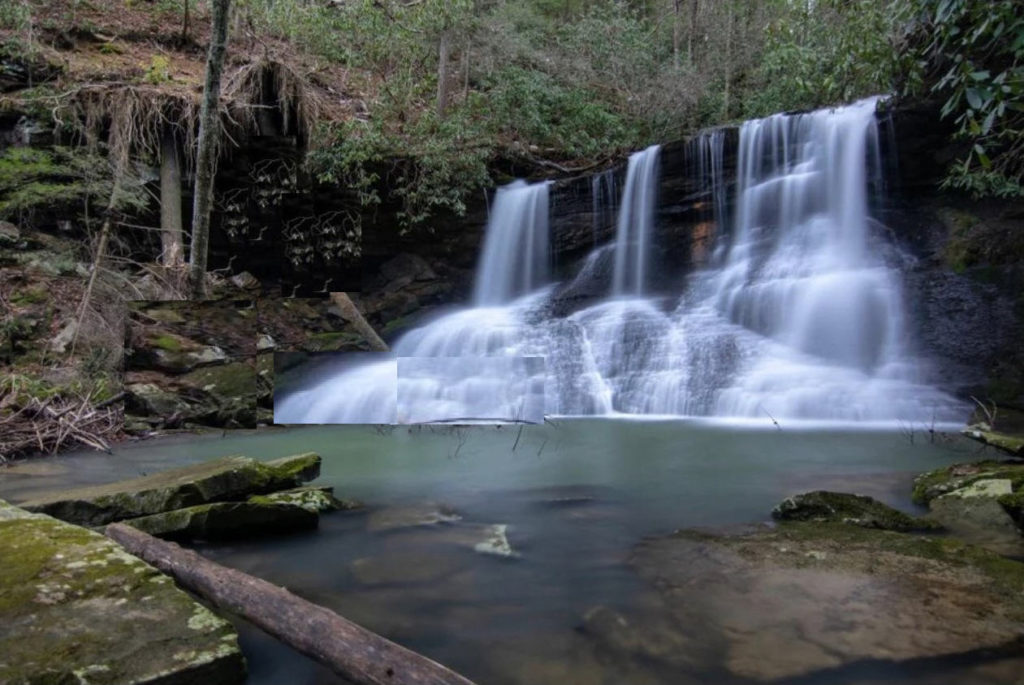
waterfall
ich und du

mapa

MIlle

manda

Test

Prueba

Changing View

Fotowettbewerb zum Osterthema "HOFFNUNG"

test

test






One star voting example
POST: One star rating
Explore the entries in this gallery.
- Entries
- 8
- Participants
- 1
- Votes
- 493
- Comments
- 3






Choose the voting workflow for your site
- Choose favorite voting, cumulative stars or average ratings in the gallery options.
- Configure participant recognition, vote limits, comment behavior and the result display using the options available in your edition.
- Publish the gallery, explain the rules and check the voting flow before inviting participants.
Explore voting options · See average ratings · Read the voting and comments guide
Start with voting, add advanced workflows when needed
FREE includes the core gallery voting and commenting workflows. PRO adds advanced participation controls and paid voting or comment credits. Compare the editions for the rules you want to apply.
Connect voting with the rest of your website
Collect entries through frontend uploads, run a photo contest, keep contributors connected in a member community or explore paid votes and comments.