Contest Gallery member features
Personal content management
My entries and the member area
Give members a place to manage their contributions while their public profile helps others discover their work.
Your profile and your own gallery entries
Members can edit their profile from the frontend and manage their contributions under My entries. Published entries and submissions waiting for approval appear in the owner’s personal view. Editing, deletion and file replacement follow the gallery’s configured rules.
The public profile has a different purpose. It shows selected public fields and accessible published contributions, with private-message and friendship actions when enabled. The private member area offers Overview, Messages, Friends and Edit profile.
The personal gallery view
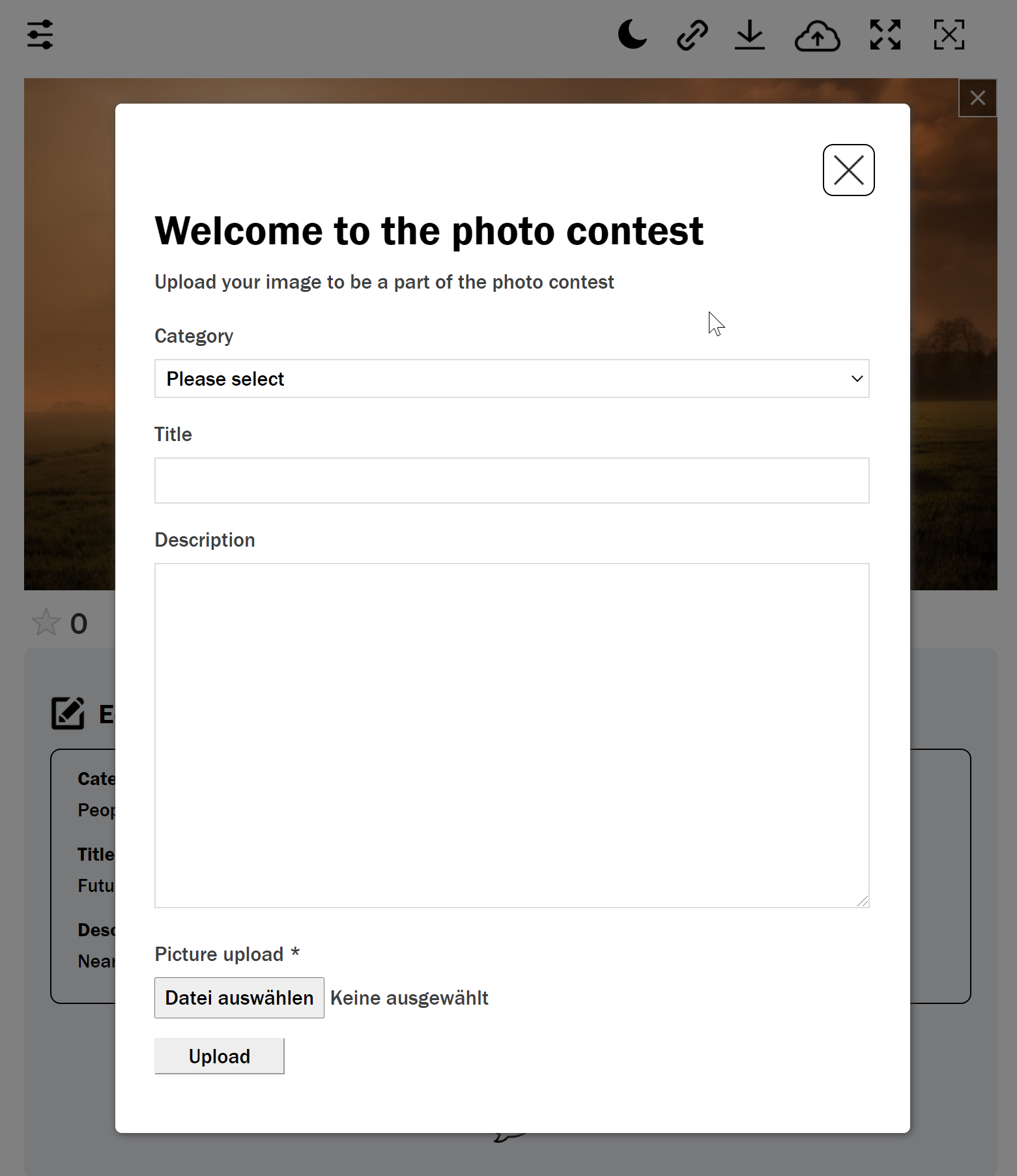
The user gallery is reserved only for registered users. This provides them with supreme authority to upload, edit, and manage their media files and other documents. While uploading a new file, users have to fill up an upload form that almost similar to Create Upload Form.
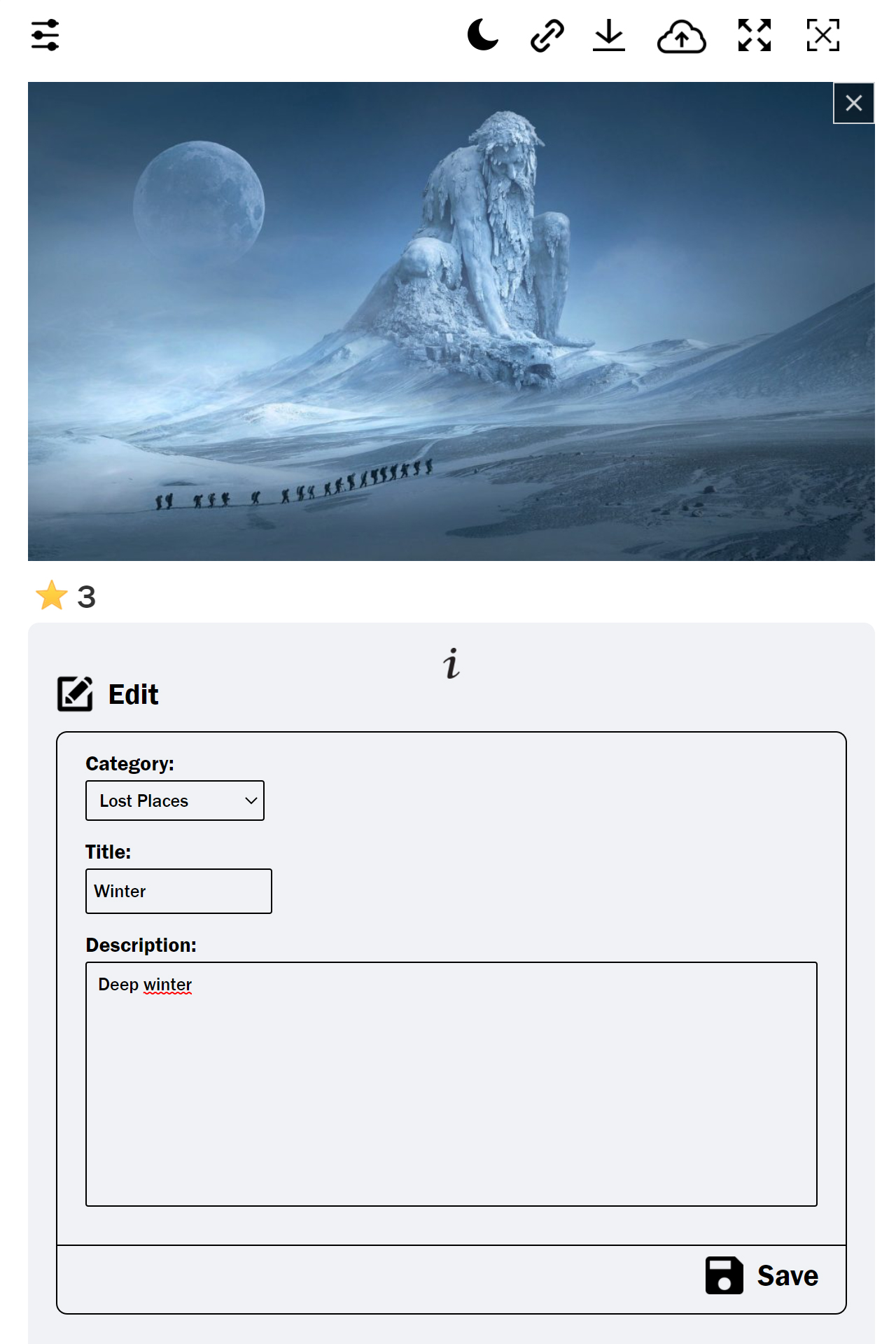
But if they ever want to change some information they already added to the files, they will have complete authority to do that as registered users. They can update information of fields like URL, Date, Title, Category, and Description.
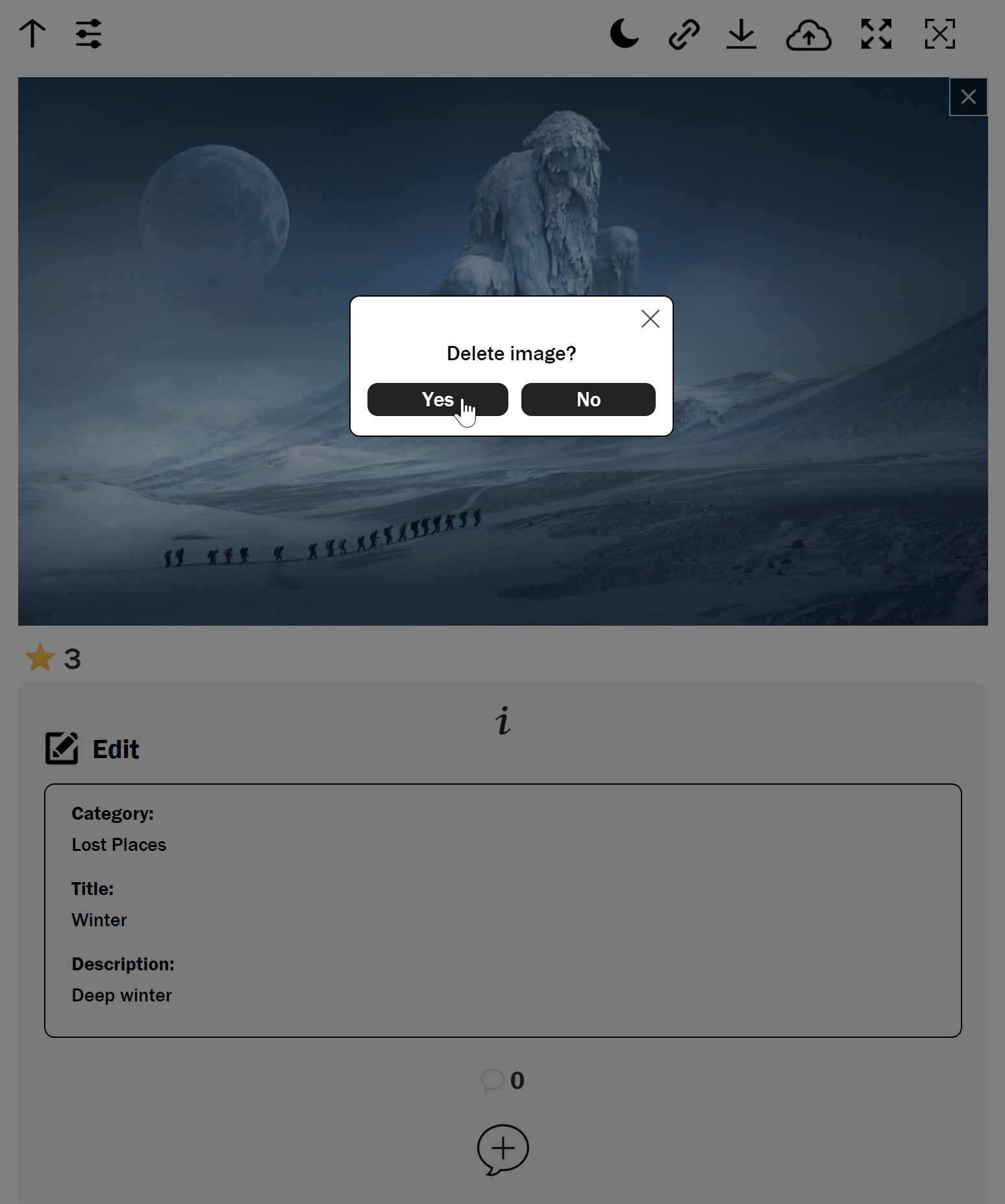
Besides, if they find some particular files are no longer useful on the website, you can simply delete them and reupload some new ones.
The good thing is that users can carry out all these actions from the front end. By allowing users to manage their own content, the user gallery feature enables users to create a more interactive and engaging experience for both users and visitors.
You can use the cg_gallery_user shortcode to create this user gallery. You can add this code on any post or page on the website and also in multiple places, so interested users can quickly register themselves.
If necessary, you can customize the appearance and functionality of this feature through various settings from the back end.
User gallery process
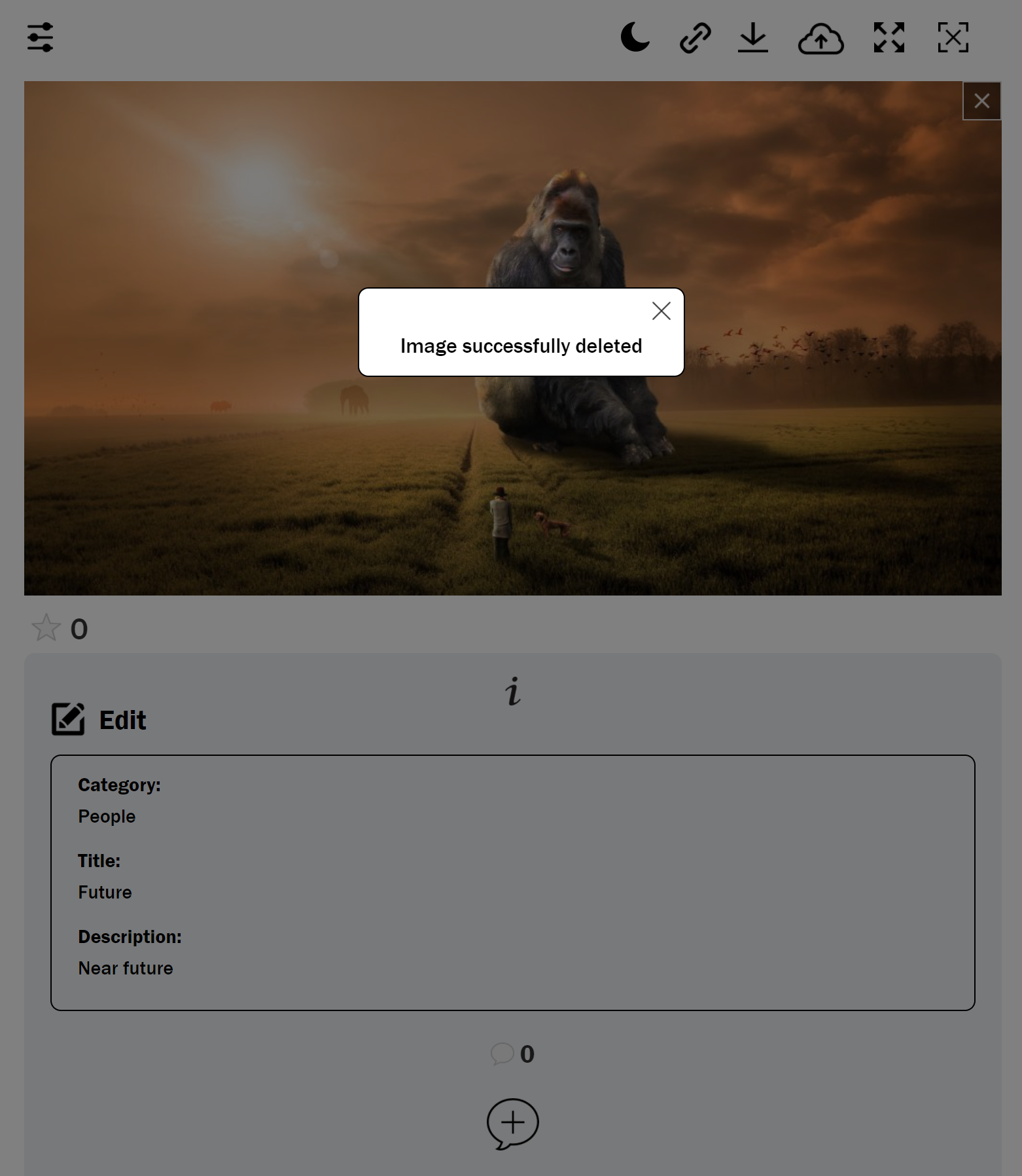
Following images (images are outdated, CSS and look improved) shows the user gallery process:
Available fields can be edited
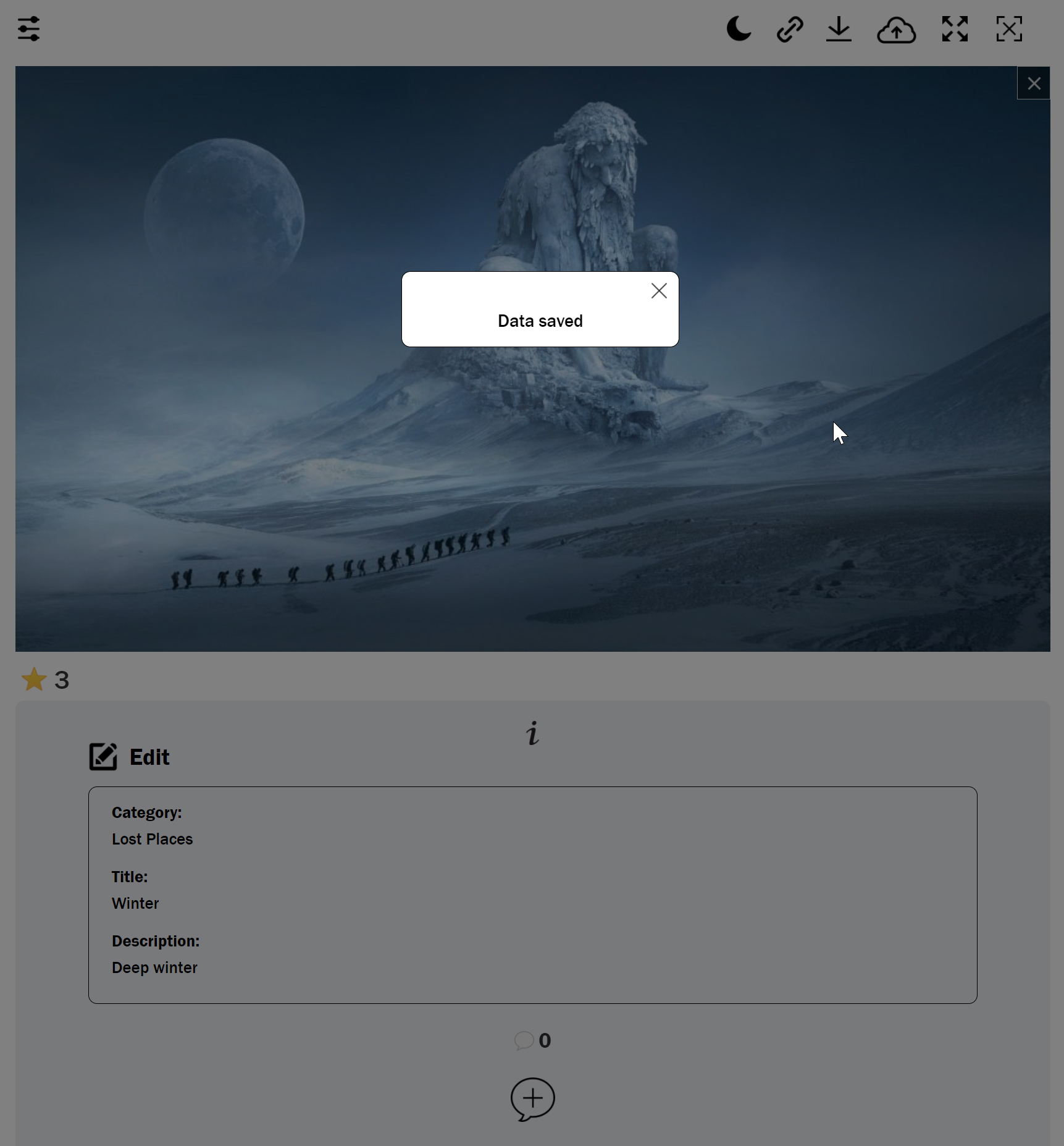
Confirmation that data was saved successfully
User can delete own images
Confirmation about deleted image
Upload new image