Build a community
Set up sign-in, contributions and a returning member experience.
Read the community guide
Contest Gallery member features
Member profiles & personal content
Let members introduce themselves, manage their own contributions and connect through private messages and friendships on your WordPress website.
Give contributors a recognizable identity through a display name, profile image and selected public fields. An introduction, interests or a website link can help other members understand the person behind an entry.
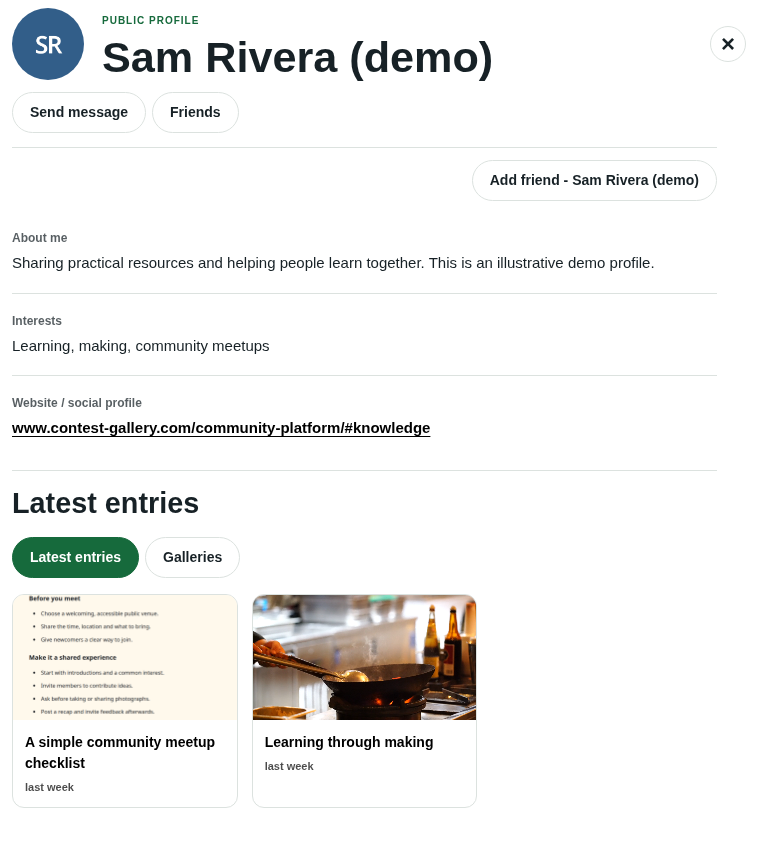
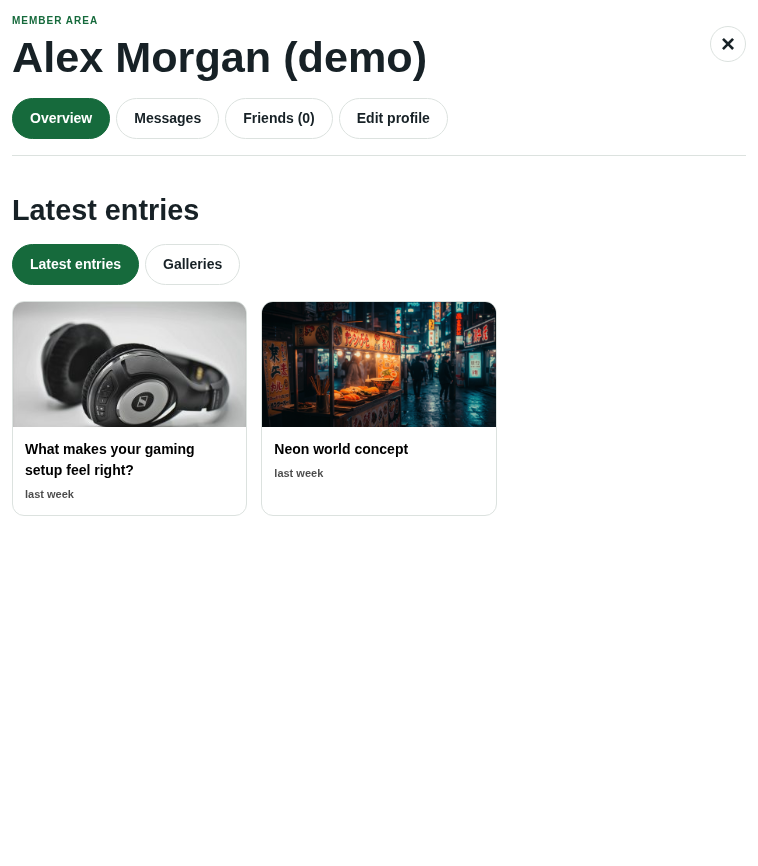
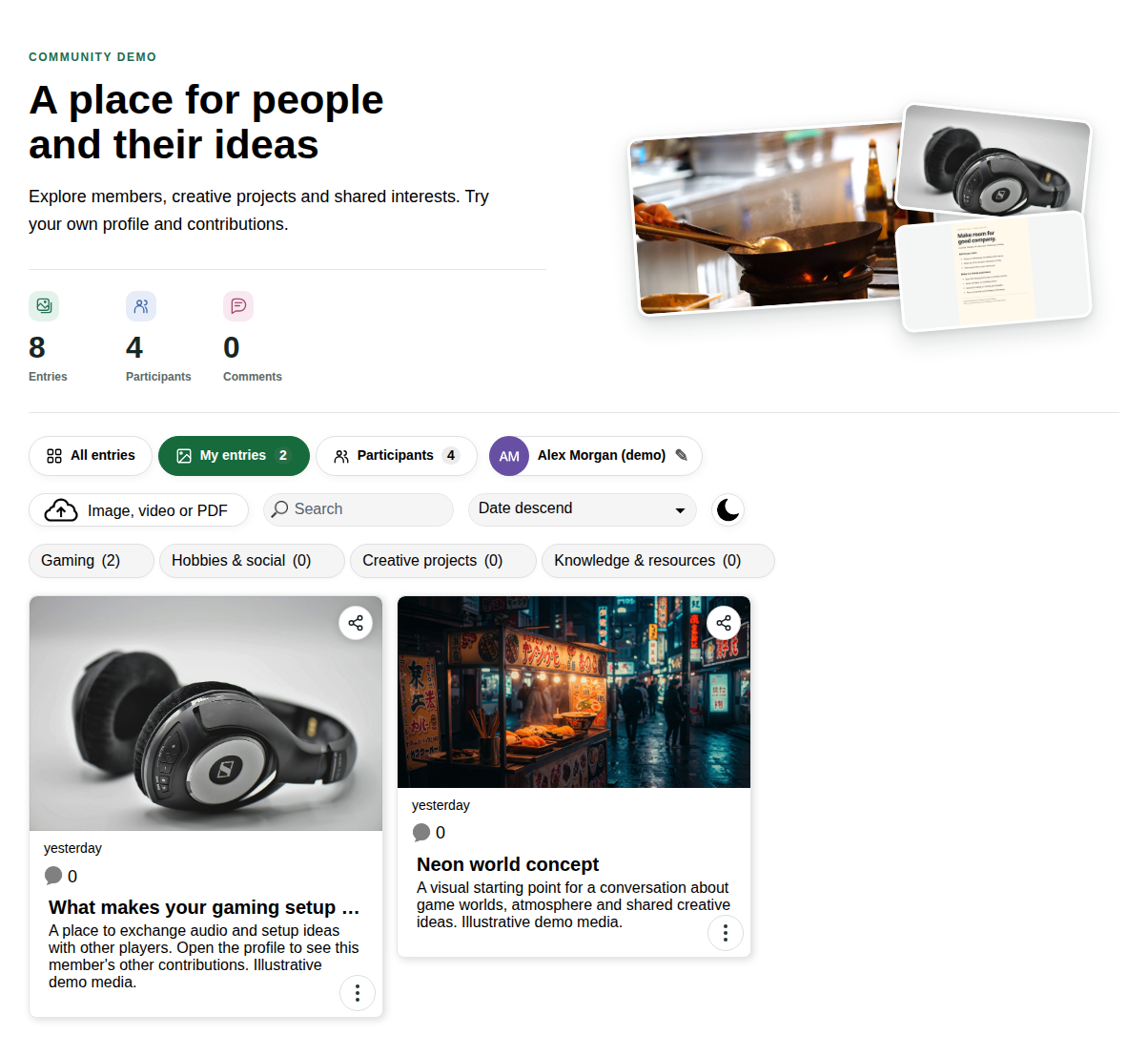
The Participants view brings together members with published entries. Visitors can search names and public profile information, open a profile and explore its contributions.
Members with no published entries are not listed yet. Private profile fields are excluded from the public display and search.
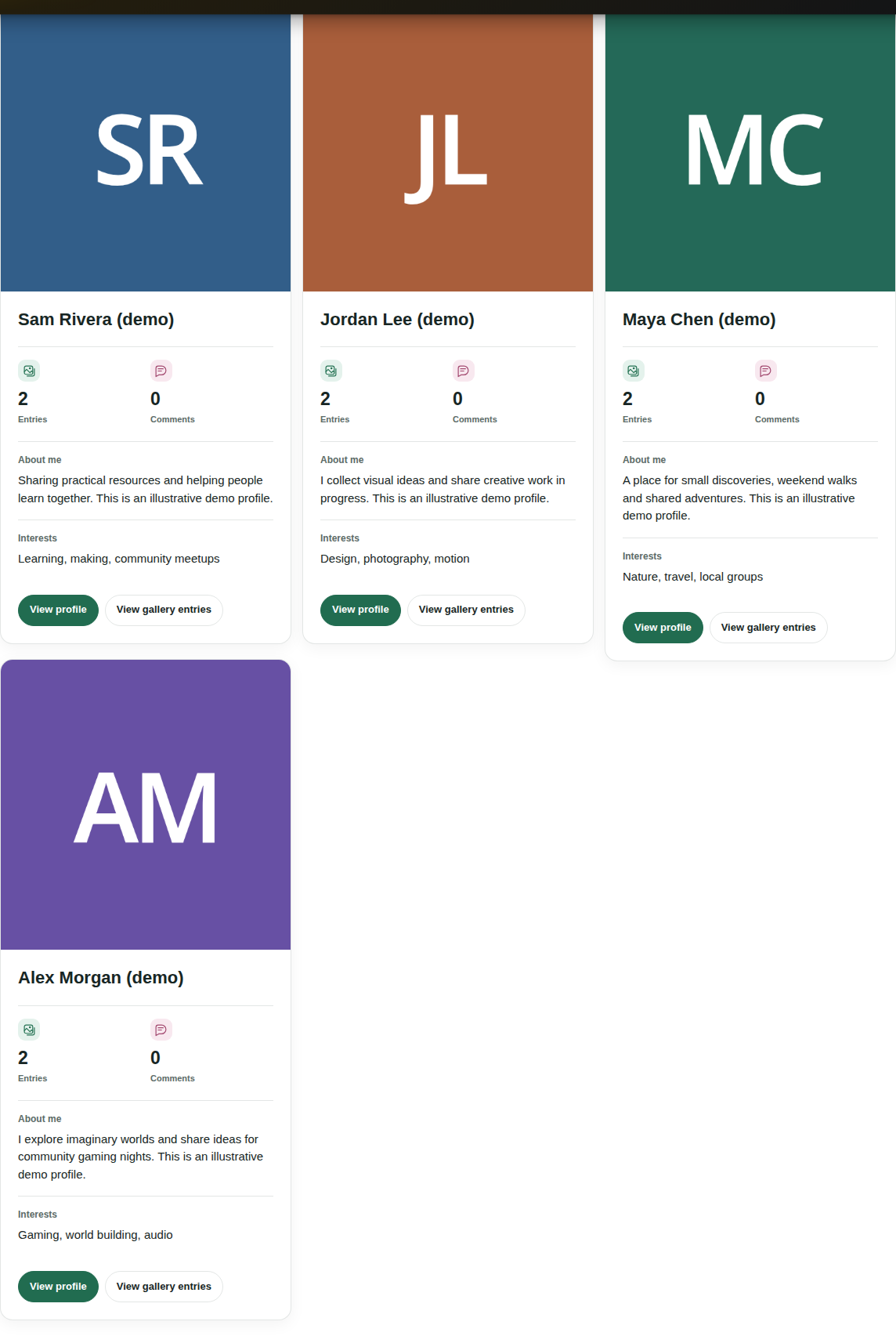
Latest entries brings together a member’s accessible published contributions from eligible galleries. The Galleries view helps visitors explore those contributions by gallery. Existing visibility and publication rules continue to apply.
A gallery’s Participants view focuses on contributors with visible entries in that gallery. Participant directories are also available from supported multi-gallery overview views.
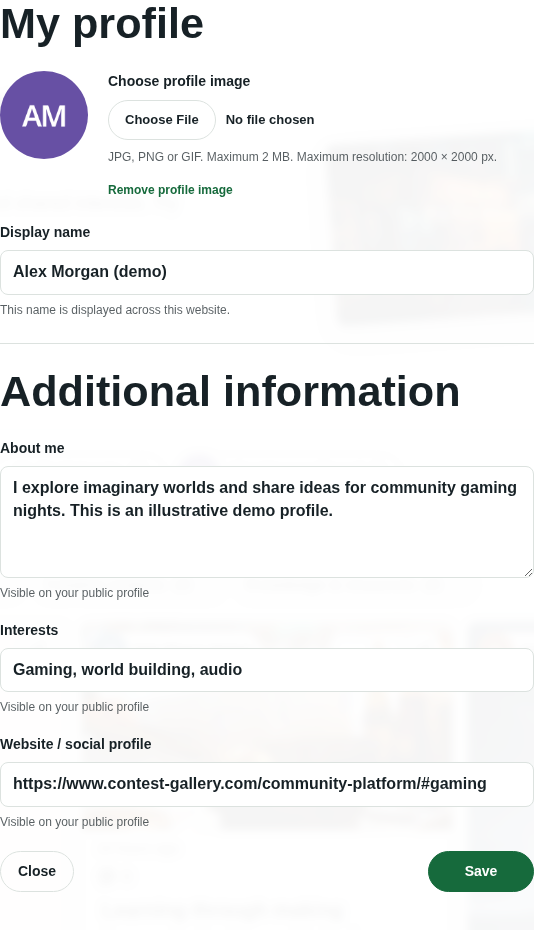
Members can update their display name and profile image directly inside the gallery. Additional editable fields come from your registration form and follow your profile-editing permissions. Fields enabled for public display are clearly labelled.
Under My entries, members can view their published contributions and their own submissions awaiting approval. They can edit entry information, delete their own entries and replace files when the gallery rules allow it.
Replacement can be allowed without a deadline, for a period after upload or until a set date. You can also prevent replacement after an entry receives its first vote. Individual files in entries with multiple files can be replaced.
A short introduction for a creator, gamer, club member or community participant.
Shared subjects that help members discover a connection.
A public link chosen by the member, displayed as a clickable URL.
Configure the fields that fit your audience. Only fields enabled for public display appear on the public profile.
The demo uses three optional fields. Existing members can leave them empty. Account credentials and private registration information are not public profile fields.
Open a member’s profile to send a private message, request a friendship or explore their confirmed friends. Members stay in the gallery experience while discovering the people behind the content.
Explore messages and friendshipsThe core member area, public profiles, participant directories, frontend profile editing, private messages and friendships are available in FREE and PRO. Profile field types and advanced settings vary by edition. Editing notification email subjects and contents, configurable logout redirects and WordPress profile return navigation are PRO features.
The gallery member area provides frontend profile editing and management of a member’s own entries. The operator configures the gallery in WordPress.
Yes. Profile information uses the website’s shared configuration. In version 34.0.1, the public profile also brings together accessible published entries across eligible galleries. View gallery entries opens the separate view for the current gallery.
Yes. Version 34.0.1 adds private member messages and confirmed friendships. Visitors can browse public profiles first and sign in when they want to connect. These features can be enabled or disabled by the website operator.
The new member features require a gallery created or copied with version 24 or later and its generated gallery page. Copy an older gallery to use the modern page structure. Older gallery-specific registration forms are not automatically migrated.
Set up sign-in, contributions and a returning member experience.
Read the community guideHelp visitors find people through published entries and public fields.
Explore the directory guide