1 · Discover members
Open Participants to explore the prepared demo profiles.
Contest Gallery member features
An interactive community example
Explore the sample members and their contributions. Then sign in to try your own profile and share an entry.
Open Participants to explore the prepared demo profiles.
Use the gallery’s sign-in control to join with your own account.
Open your member profile to add an image and optional details.
Submit content and open My entries to manage it while it awaits review.
The four labelled demo members and their eight contributions are illustrative examples. Your submissions are reviewed before public display. Your public profile appears in Participants after you have a published entry.
Open a demo member’s View profile button to explore their public details and latest entries. View gallery entries opens that person’s contributions from the current gallery. Signed-in members can also open Messages and Friends from their own member area.
The labelled demonstration profiles illustrate the public experience. Use your own account when you want to try optional public fields or submit content.
Explore members, creative projects and shared interests. Try your own profile and contributions.
Be the first to add an entry to this gallery.
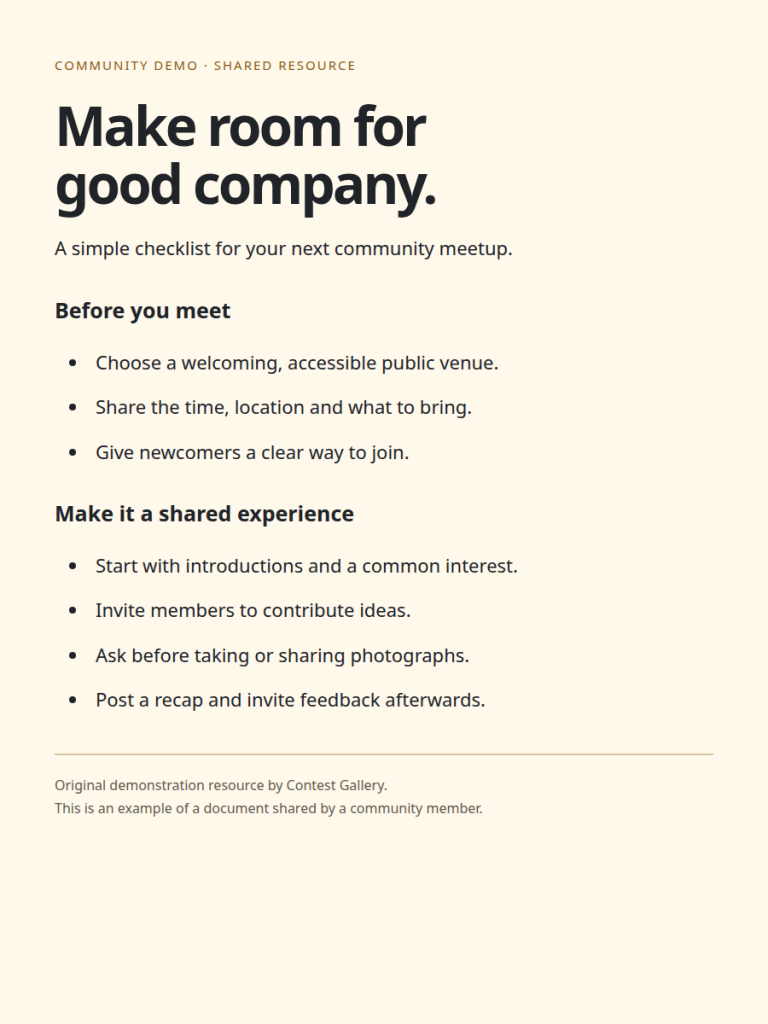
A simple community meetup checklist
Download a short checklist for planning a welcoming meetup. Members can share useful documents alongside images and videos.
Learning through making
An example of a video contribution in a learning or maker community. This example uses an existing demonstration clip.
A motion study by the ocean
Video can sit alongside images in the same member gallery. This example uses an existing demonstration clip.
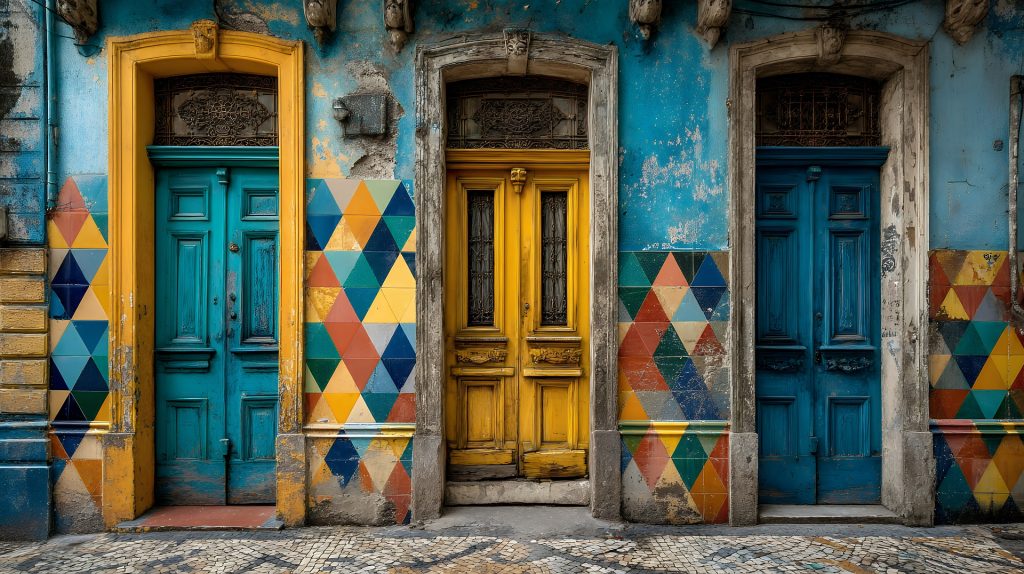
Patterns in everyday architecture
A portfolio entry for sharing a visual idea and inviting feedback. Illustrative demo media.

A little mountain inspiration
Travel photographs can become the start of a conversation about favourite places and shared interests. Illustrative demo media.

Small discoveries on a weekend walk
A nature journal can give a local community a reason to share observations and explore together. Illustrative demo media.

What makes your gaming setup feel right?
A place to exchange audio and setup ideas with other players. Open the profile to see this member's other contributions. Illustrative demo media.

Neon world concept
A visual starting point for a conversation about game worlds, atmosphere and shared creative ideas. Illustrative demo media.
This demo combines interests, creative work, video and a downloadable resource. Your own site can organize the same tools around gaming, a local club, a social community, portfolios or specialist knowledge.