Gaming communities
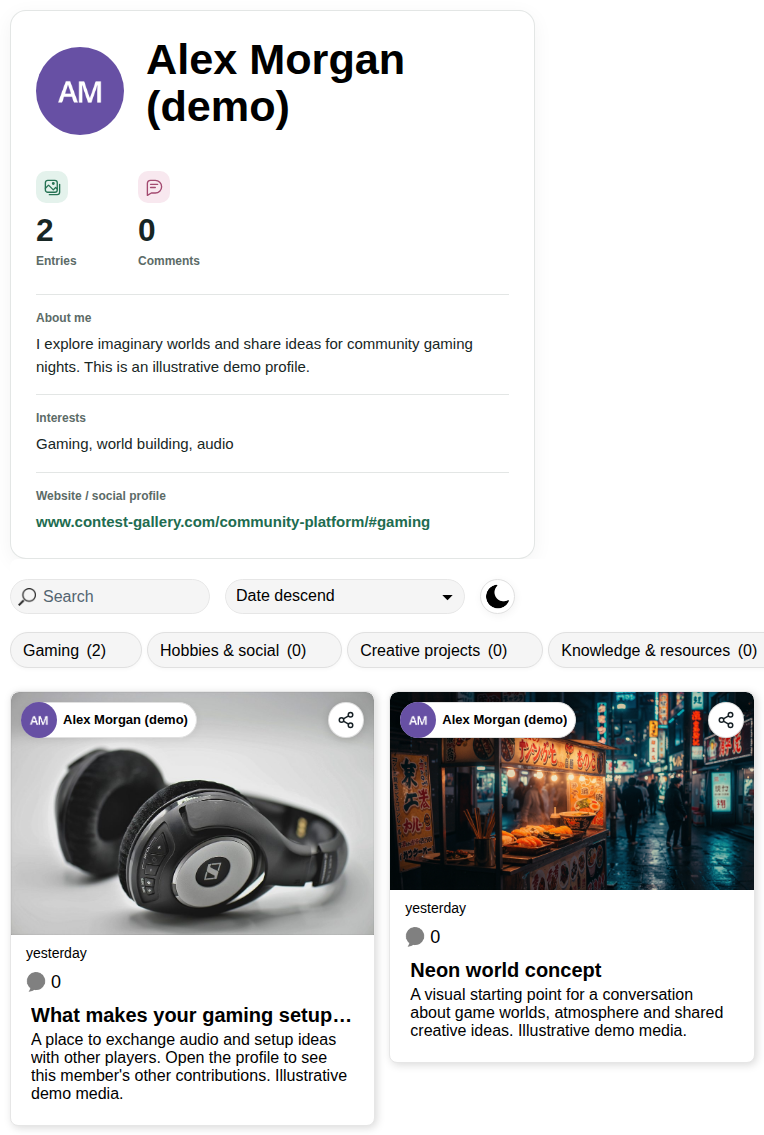
Share game-inspired artwork, setup ideas and video highlights. Give each contributor a profile and a place for their own content.
Explore the demo →
Contest Gallery 34.0.0
People. Content. Community.
Give members a place to introduce themselves, share what matters to them and discover each other through their content.
A community grows around people with something to share. Let members introduce themselves, publish their work and discover others through the things they contribute. Keep that experience on your own WordPress website.
Share game-inspired artwork, setup ideas and video highlights. Give each contributor a profile and a place for their own content.
Explore the demo →Bring together people who enjoy travel, photography, outdoor activities or the same local interests.
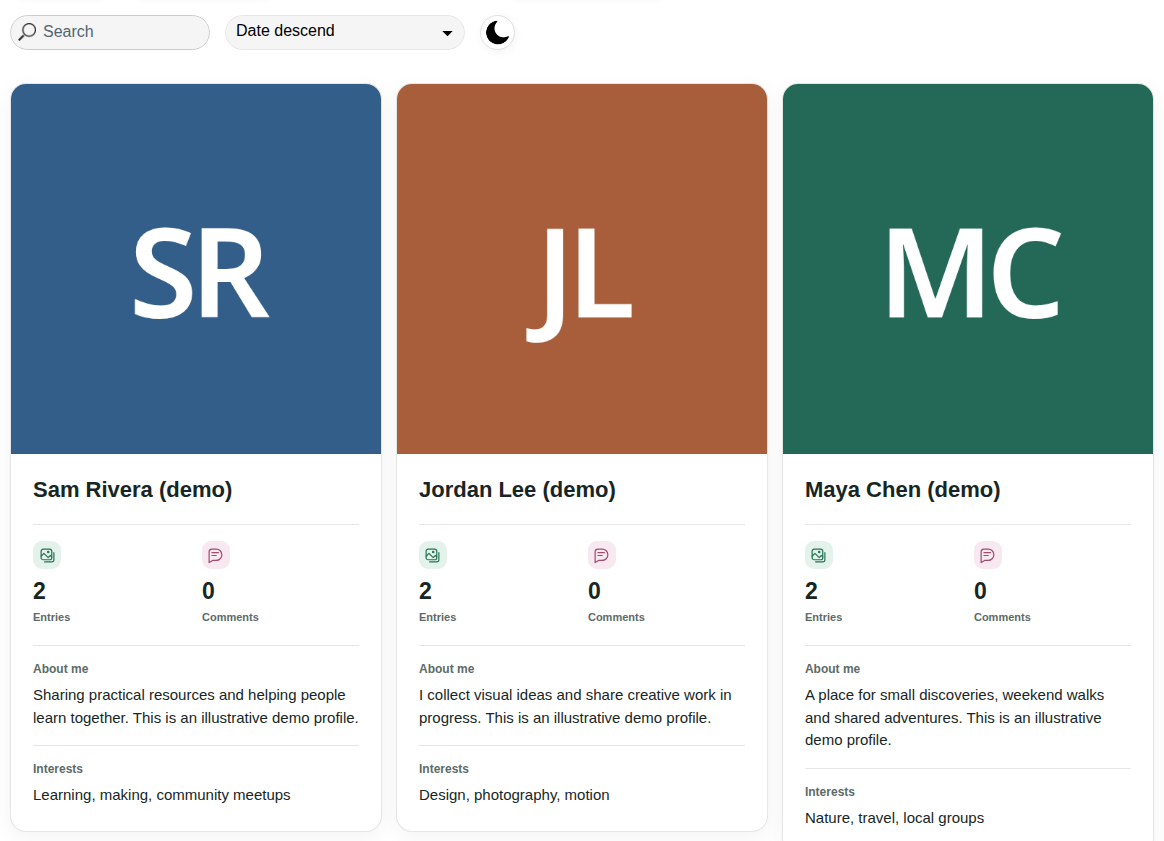
Explore member profiles →Let members introduce themselves through a profile, shared interests and public contributions. Conversations in 34.0.0 take place in entry comments.
See the profile experience →Build a home for portfolios, photography, design ideas and video projects with feedback from other members.
Browse member contributions →Let members share guides, documents, visual examples and videos that others can browse and discuss.
Explore shared resources →Give members a shared place for activity photos, project updates and useful resources between events.
See how to set it up →Use email PIN sign-in or configured Google Sign-In to enter the member area.
Choose a profile image, a display name and the optional information you want to share.
Add content from the frontend and manage your submissions under My entries.
Explore participants, visit their profiles and discuss published contributions.
Choose the fields members can fill in, decide which information is public and organize content with categories. Publish submissions automatically or review them first. Configure whether members may replace files, including time limits and restrictions after votes have been cast.
Images, videos, audio and documents can serve different kinds of participation. Use comments for discussion, ratings where they add value and dedicated entry links for sharing.
A competition can be one part of a community that stays active all year. The same plugin supports photo contests, video submissions, review galleries and searchable content.
Explore frontend submissions, voting and published entries.
Photo contest demo →Explore motion, performance and creative submissions.
Video contest demo →Publish meaningful titles, descriptions and entry pages.
SEO-friendly galleries →Combine average ratings with comments.
Product reviews →Yes. Use a gallery without voting to build a place where members share content, explore profiles and comment on contributions. You can also use voting in galleries where it fits your community.
Yes. Configure profile fields, upload forms, categories and publication rules around your audience. Gaming groups, hobby communities, clubs, creative networks and singles communities can use the same content and profile foundation.
Members can explore public profiles, contribute content and discuss entries through comments. Ratings are available when enabled. Private member-to-member messaging is not included in version 34.0.0.
A public profile shows the member’s visible entries from the gallery being explored. The profile details themselves use the website’s shared profile fields.
Yes. The core member area, public profiles, frontend profile editing and public URL fields are available in FREE and PRO. PRO adds further configuration and monetization workflows.
Start with the free plugin and shape the member experience around your audience. Explore PRO when you need additional controls or paid content workflows.