Contest Gallery documentation
Registration, login and email PIN
Choose how participants identify themselves before uploading, voting or viewing protected galleries.
Choose an identity method
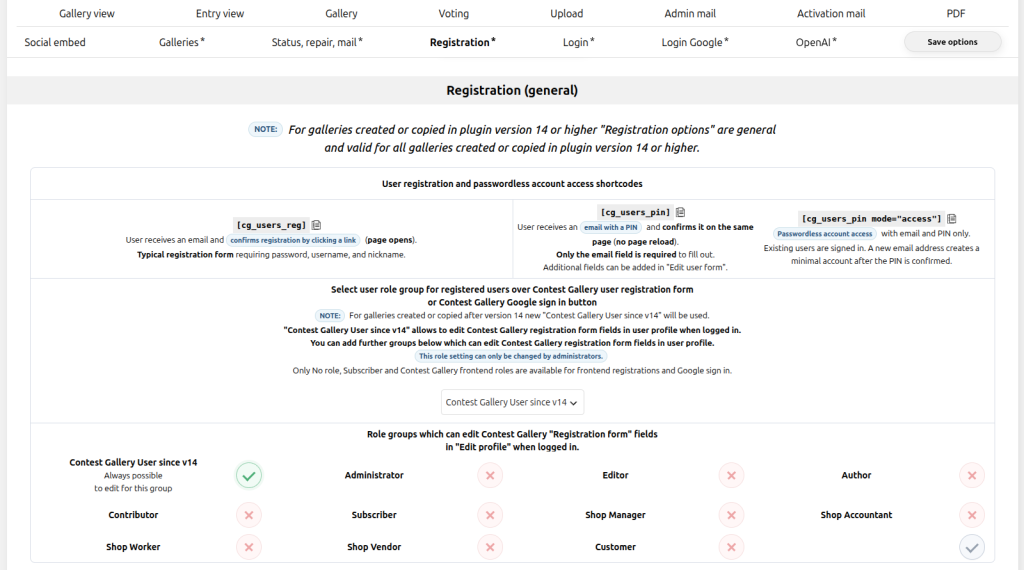
Best when participants need a persistent account, user gallery or protected actions.
Best for email confirmation or passwordless account access without entering a password.
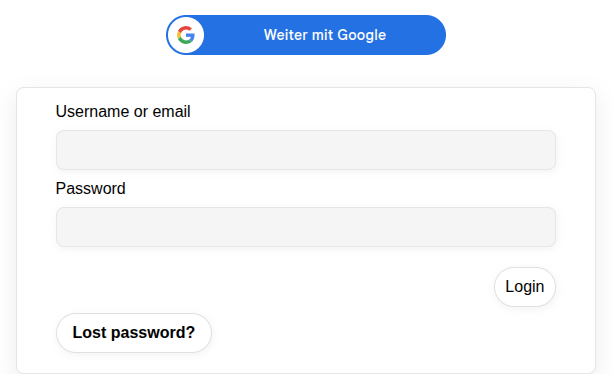
Best for a faster account flow using a configured Google web client.
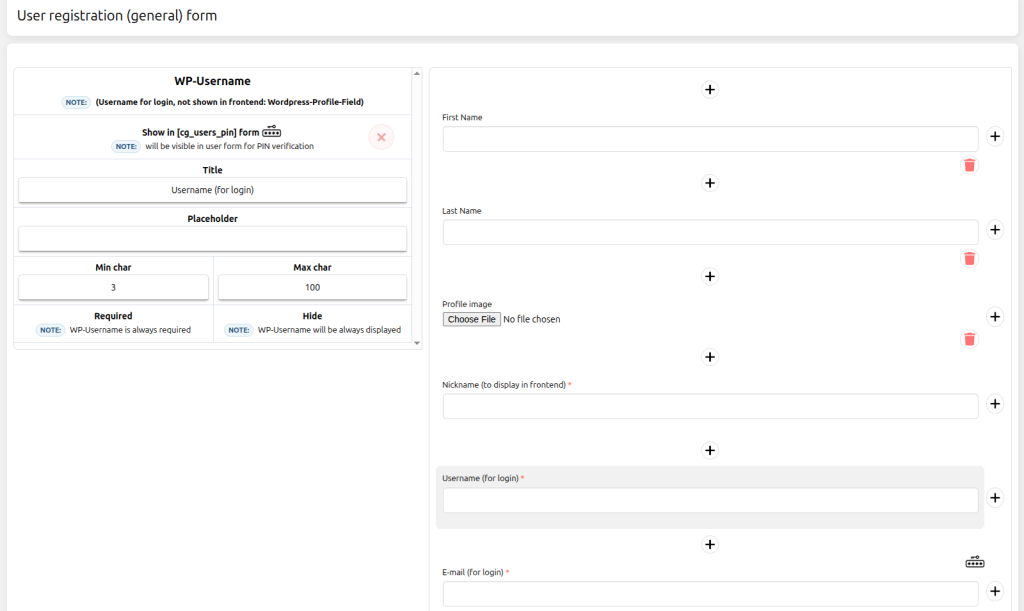
Build the registration form
Add the account fields visitors need and configure the WordPress role assigned after confirmation. Internal confirmation fields are generated securely by the plugin and do not belong in frontend-submitted field definitions.
Learn how to display $regurl$ as clickable text →
Enable passwordless email PIN access
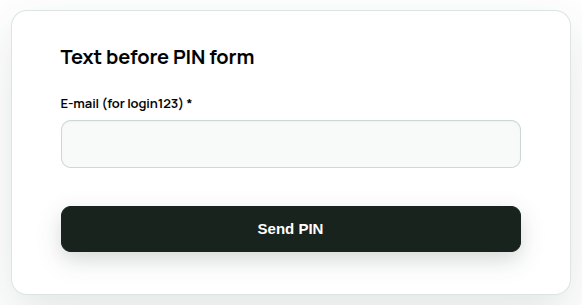
Use [cg_users_pin mode="access"] for passwordless account access. Existing users are signed in after confirming the emailed PIN. A new email address creates a minimal WordPress account only after successful confirmation. No password is required.
Publish and test account forms
Place the registration, passwordless access, login or Google Sign-In shortcode where visitors can find it. Test logged-out, confirmed and already-logged-in states separately.
[cg_users_reg] [cg_users_login] [cg_google_sign_in]