Documentation PayPal Environment
PayPal environment setup
- Login with your PayPal Account on developer.paypal.com
- Go to “Apps & Credentials” or to developer.paypal.com/dashboard/applications/sandbox
- A “Default application” is already created. Copy the “Client ID” and the “Secret” and add them to the ecommerce PayPal options of your “Contest Gallery” plugin and “Save options”.
- Your are ready to go. Use “Sandbox” “Client ID” and “Secret” to make test purchases.
Please read the “Recommendations” below.
Recommendations
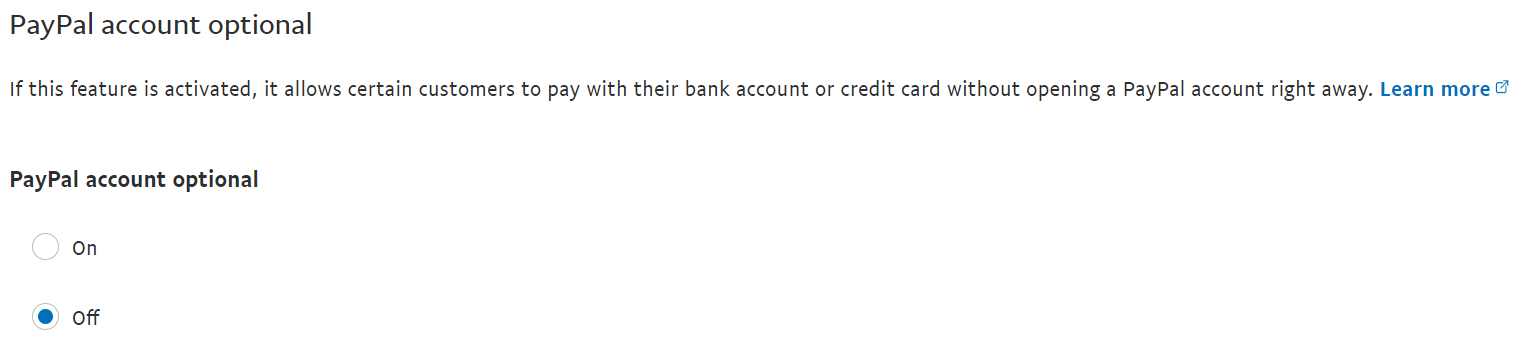
Remove the option to “Continue without a PayPal Account”
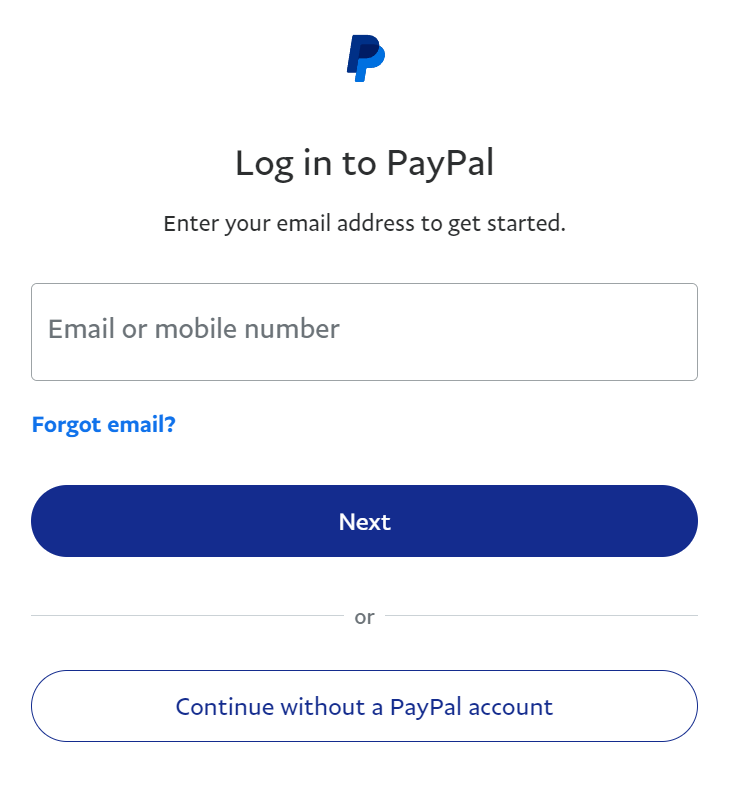
It is recommended to disable the option “Continue without a PayPal account”. If customer use this option the possibility of “pending” payment processing is high. Change “PayPal account optional” to “Off”:
Testing credit cards
PayPal offers to pay via credit card. You can do test purchases in sandbox (test environment) using test credit card numbers PayPal offers: …developer.paypal.com/tools/sandbox/card-testing…